
Google · Munich · 2024
DeveloperUX
Increasing Coding Velocity through AI Integration
AI suggestions only help developers when they can see them. Over four months at Google I designed how an internal code editor can surface suggestions outside the visible code, from stakeholder interviews to prototypes and a usability study. The concept has since been implemented.

Under NDA
This case study shares only high-level, non-confidential information. It shows no designs or detailed concepts.
OVERVIEW
My role
UX Design
Team
Software Engineers
Product Manager
UX Research
Duration
Aug – Nov 2024 (4 months)
Context
Google, Munich
Problem statement
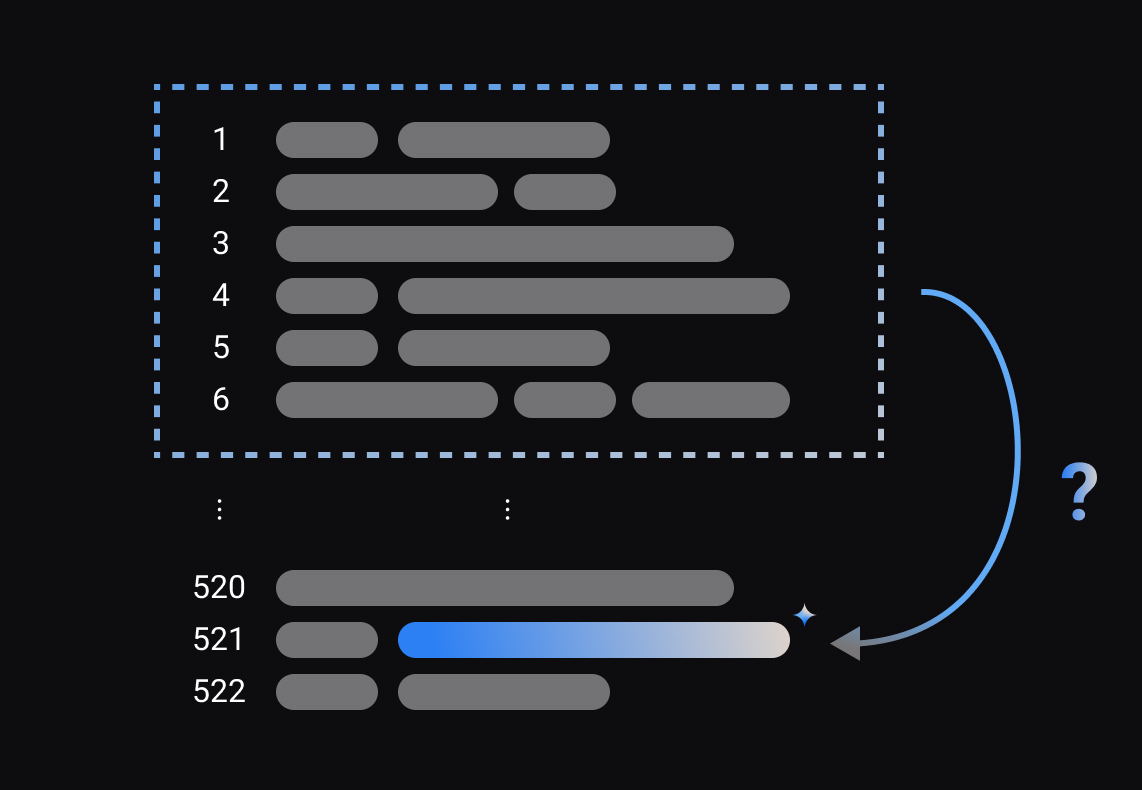
AI plays a crucial role in Google's products, powering both external features and internal tools. For example, Google software engineers utilize an internally developed Integrated Development Environment (IDE) for code creation and editing. According to Alphabet CEO Sundar Pichai (October 2024), over 25% of new code at Google is AI-generated, then reviewed and approved by engineers. The IDE integrates AI-suggested edits within the engineer's current viewport. However, the necessary next code change often lies outside the current view. Even though it’s a common occurrence there was no UX to show this use case. This project focused on designing a user experience that seamlessly presents these out-of-viewport AI-suggestions to developers.
How might we...
effectively show users the next predicted edit outside the current viewport?
UX Challenges
1
Daily Driver
Productivity Tool, used by thousands of developers worldwide
2
Uncharted Territory
Building cutting-edge technology without established precedents
3
Different attitudes to AI
Developers differ widely in how much AI help they want
4
Balancing...
... discoverability and intrusiveness, making the feature accessible yet subtle
UX goals
- Developers reach the next AI-suggested edit faster
- Less searching and less cognitive load while coding
- Suggestions are easy to discover but never in the way
Deliverables
- Interactive Figma prototypes
- Usability study insights
- Proof of concept handed over for implementation
USER CENTERED DESIGN
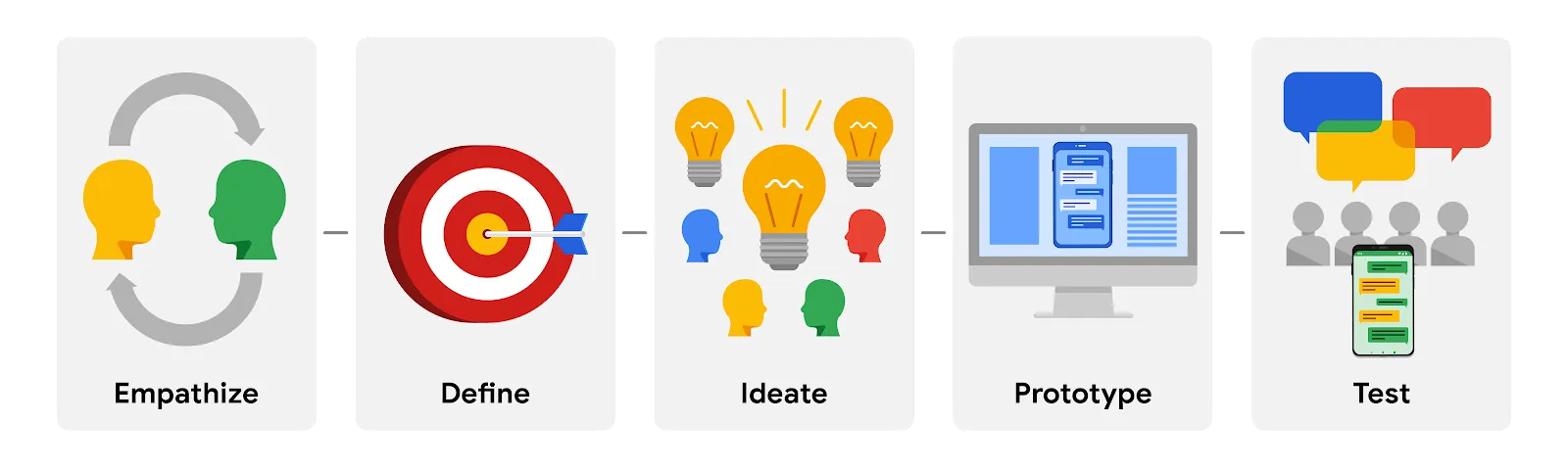
Iterative process
01
Empathize
Desk Research
User Flow Diagram
Competitor Analysis
Stakeholder Interviews
02
Define & Ideate
Project Definition and Scoping
Ideation Workshop
Concept and Design Iterations
03
Prototype & Test
Interactive Figma Prototypes
Usability Study (with UXR)
Handover of Proof-of-Concept
EMPATHIZE
Desk Research
The desk research focused on gaining a deep understanding of Google's internal development ecosystem. This involved analyzing the internal tooling landscape and the typical workflows of Google software engineers.
These insights were crucial in informing my design approach, ensuring that the solutions I developed would effectively meet the specific needs and challenges faced by developers within this unique environment.

User Flow
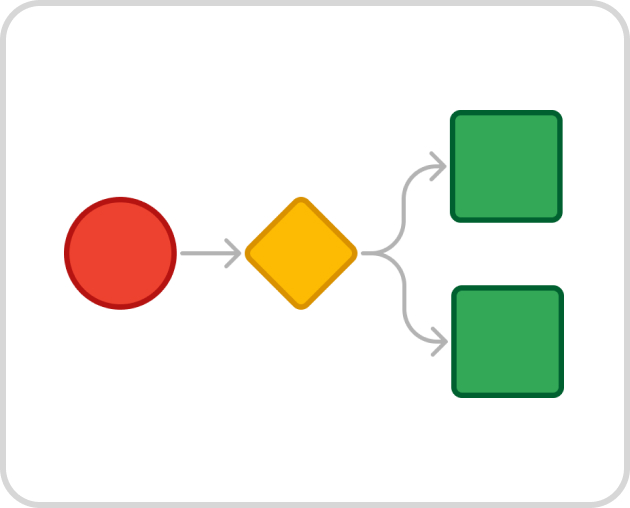
To visualize the current integration of AI features within the IDE, I created a flowchart mapping how these features are triggered and how developers interact with them. This detailed the lifecycle of AI-suggested edits, from generation to acceptance or dismissal by the user. This visualization provided valuable clarity on the existing processes and identified potential areas for improvement.
Competitor Analysis
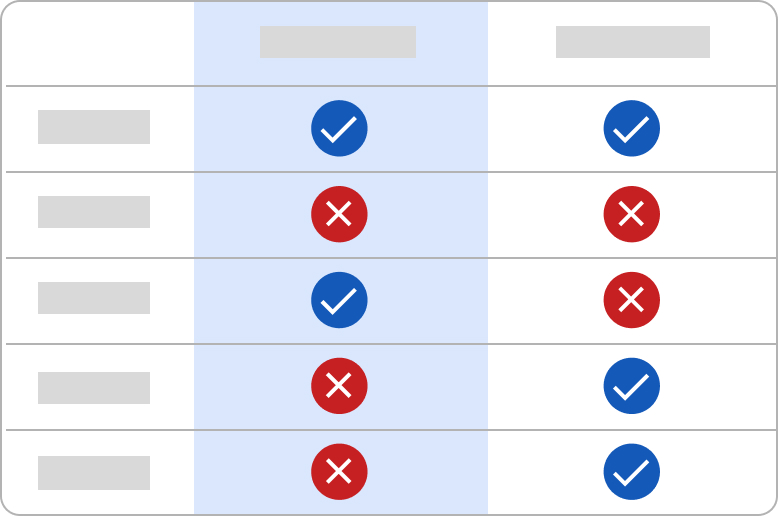
To understand how the industry is addressing similar challenges, I conducted a competitor analysis of AI-powered features in leading IDEs. This analysis focused on how these tools utilize AI to assist developers. While some competitors offered innovative solutions, none effectively addressed the out-of-viewport scenario.
Stakeholder Interviews
To align the project with both user needs and organizational goals, I conducted stakeholder interviews with software engineers, product managers, and UX researchers. These interviews focused on understanding the team's immediate needs and long-term aspirations for the project. My conversations revealed a dual focus: the need to develop a proof-of-concept that could be quickly implemented to address the out-of-viewport AI suggestions, while also exploring broader future opportunities.

DEFINE & IDEATE
Project Definition and Scoping
The project scope and objectives were defined in close collaboration with stakeholders. Specifically, this included identifying key deliverables, timelines, and success criteria by exploring potential project paths and discussing business priorities. This alignment fostered realistic expectations and clear project boundaries.
Ideation Workshop
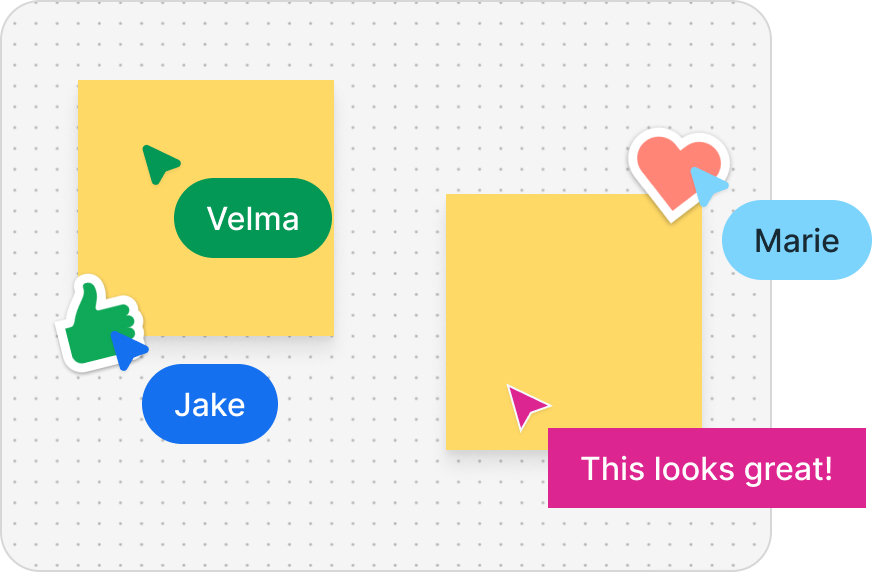
To foster collaboration and generate creative solutions, I facilitated a 90-minute cross-functional ideation workshop with six participants. Participants sketched and discussed potential UI solutions, which provided a diverse range of concepts and perspectives.
The workshop not only aligned the team on key objectives but also served as a springboard for further exploration. After the session, I refined and polished the generated ideas, using them as a foundation for more detailed UI designs.
Concept and Design Iterations
Building on insights from the ideation workshop and stakeholder input, I developed multiple interaction concepts to address the need to present out-of-viewport AI suggestions. By iteratively designing and testing, I refined the solutions based on usability principles and internal feedback, focusing on clarity, efficiency, and discoverability. These concepts were focused on the positioning within the UI as well as how the system reacts after user interaction.
PROTOTYPE & TEST
Interactive Figma Prototypes
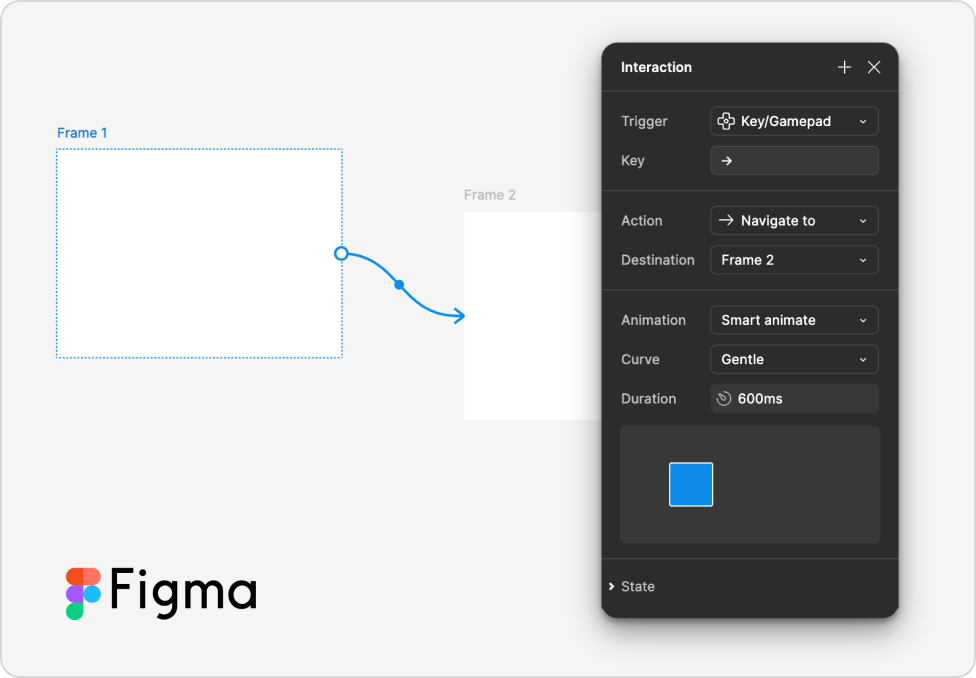
To bring the concepts to life and validate design decisions, I created seven interactive prototypes in Figma. These prototypes simulated the proposed solutions for presenting out-of-viewport AI suggestions, allowing stakeholders and users to experience the functionality firsthand. This hands-on approach helped refine the designs further, ensuring they were intuitive, efficient, and aligned with the needs of Google’s developers.
Usability Study
To evaluate the effectiveness and usability of the proposed solutions, I collaborated with a UX-Researcher to conduct a usability study with software engineers. Participants interacted with the interactive Figma prototypes, simulating real-world scenarios where out-of-viewport AI suggestions were presented. Feedback revealed critical insights and these findings guided refinements to the design, ensuring the solution was both practical and aligned with user expectations.

Handover of Proof-of-Concept
At the conclusion of the project, I prepared and delivered a proof-of-concept design package to the development team. This handover included detailed documentation, annotated prototypes, and key insights from the usability study to ensure a smooth transition from design to implementation. A significant milestone was reached as the implementation of this feature commenced toward the end of my time on the project.
CONCLUSION
Outcome
Over four months I designed how an internal code editor surfaces AI suggestions outside the visible code, tested the concept in a usability study and handed it over with a proof of concept. The concept has since been implemented. The details stay under NDA.
Learnings
Developers are a user group of their own. They live in the editor all day, so every suggestion has to fit their flow, not interrupt it.Turn ambiguity into direction. In uncharted territory, research and quick prototypes make the next step clear.Design with engineering. The strongest ideas came from shaping them together with engineers, product and research.
Google and the Google logo are trademarks of Google LLC. Illustrations in Google’s visual style are used for illustration only. This page is a personal portfolio account and is not endorsed by Google.